
Vintage Collection · Tape machine, TP-2
Listn Tape
Drive. Glue. Roll.
Saturation, wow and flutter, and tape compression.
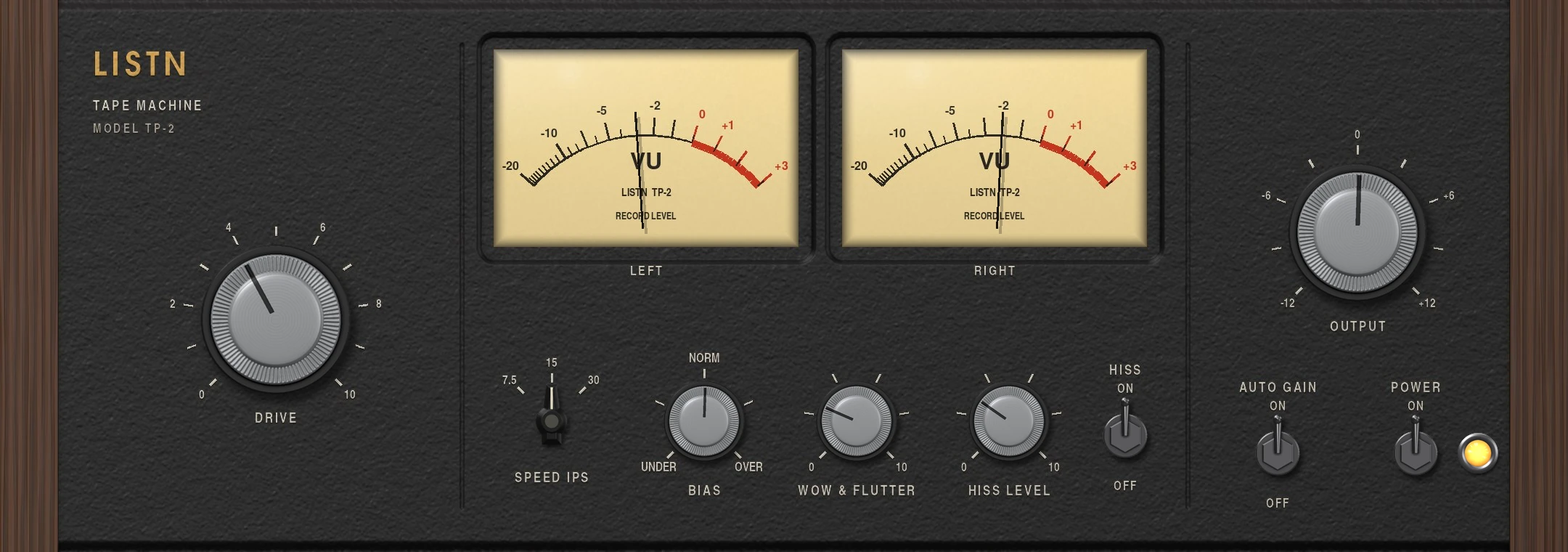
Drive the tape for warmth and glue. Pick the speed for the low end bump and the top, set the bias, add a little wow and flutter, and turn the hiss on or off. Auto gain keeps the level where it was.
- Speed at 7.5, 15 or 30 ips
- Bias from under to over
- Wow and flutter
- Hiss you can turn off, auto gain
Drive
Push it into the tape.
The big Drive knob pushes the signal into the tape for warmth, glue and soft peaks. Auto gain brings the level back so you only hear the color.
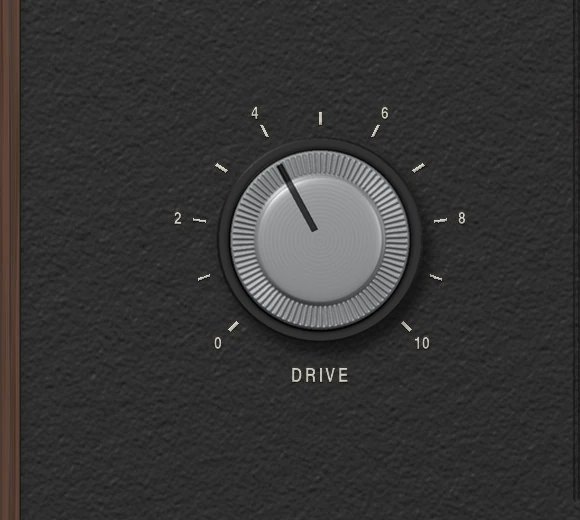
- Saturation that rounds the peaks
- Auto gain on or off
The meters
Read it like a machine.
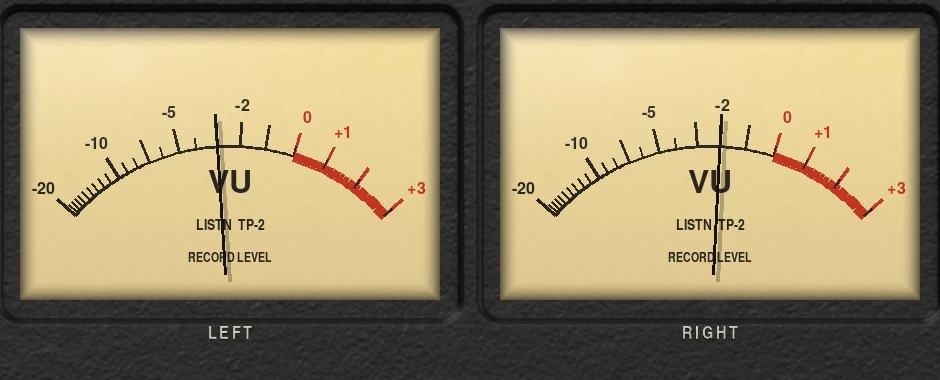
Two VU meters show the record level on the left and right.
- Left and right record level
The machine
Speed, bias and the wobble.
7.5 ips for a fat bottom and a soft top, 30 ips for clean and open. Bias from under to over, wow and flutter for a little movement, and hiss that you can turn off.
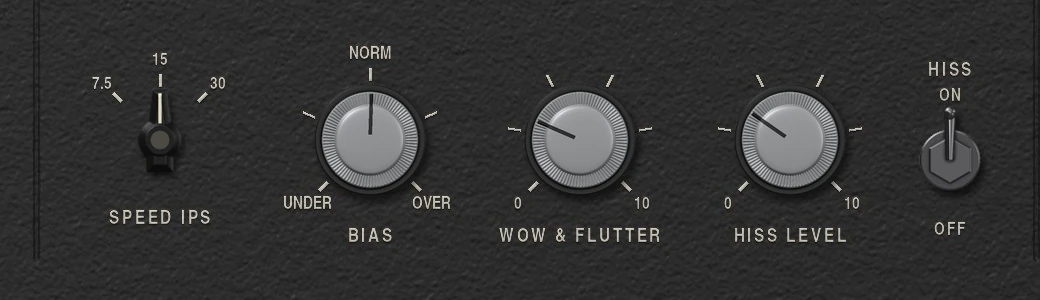
- 7.5, 15 or 30 ips
- Bias under to over
- Wow and flutter
- Hiss level and switch
Listn Tape
Where it shines
- Drums
- Bass
- Mix bus
- Lo-fi beats
- Vocals
- The master
What you need
Windows
- Operating system
- Windows 10 or 11, 64 bit
- Processor
- Intel or AMD, 64 bit
- Memory
- 8 GB, 16 GB for big projects
- Audio
- ASIO or Windows audio
- Plugins
- The Listn plugins, plus your VST3
macOS
- Operating system
- A recent macOS
- Processor
- Apple silicon or Intel
- Memory
- 8 GB, 16 GB for big projects
- Audio
- Core Audio
- Plugins
- The Listn plugins, plus your VST3 and AU
Comes with Listn Studio
Put it onyour track.
Download Listn Studio, open the mixer and it is in the insert list. Every module and every setting, nothing extra to unlock.
- 1
Download
Get Listn Studio for Windows or Mac and sign in.
- 2
Open the mixer
Press + in an insert slot and pick it under Listn effects.
- 3
Make it yours
Save your settings as a preset and learn its knobs on your controller.
Listn Studio
Full license, every plugin
- Every Listn plugin, the ones coming too
- Windows and Mac on your own computers
- Your VST3 and AU plugins beside them
- MIDI learn on every knob
- Updates to this version
Questions
Before you ask.
Where do I find it?
Open the mixer, press + in an insert slot and pick Tape (TP-2) under Listn effects.
Does it add hiss?
Only when the Hiss switch is on.
Do I pay for the plugins?
No. Every Listn plugin comes with Listn Studio, and the ones still coming arrive as free updates to this version.
Do they work in other DAWs?
The Listn plugins run inside Listn Studio. Your own VST3 and AU plugins run beside them.
Can I control them from a MIDI controller?
Yes. Right click any knob and choose Learn, then move a control on your keyboard, pads or mixer.
How many computers?
Your license works on your own computers, Windows and Mac.
Where do I get help?
Write to us from the Contact page, or use Help, Report a bug or an idea in Listn Studio.