
Vintage Collection · Variable mu tube compressor, VM-3
Listn Vari-Mu
Glue. Weight. Hold.
Slow, thick tube compression for the mix bus and the master.
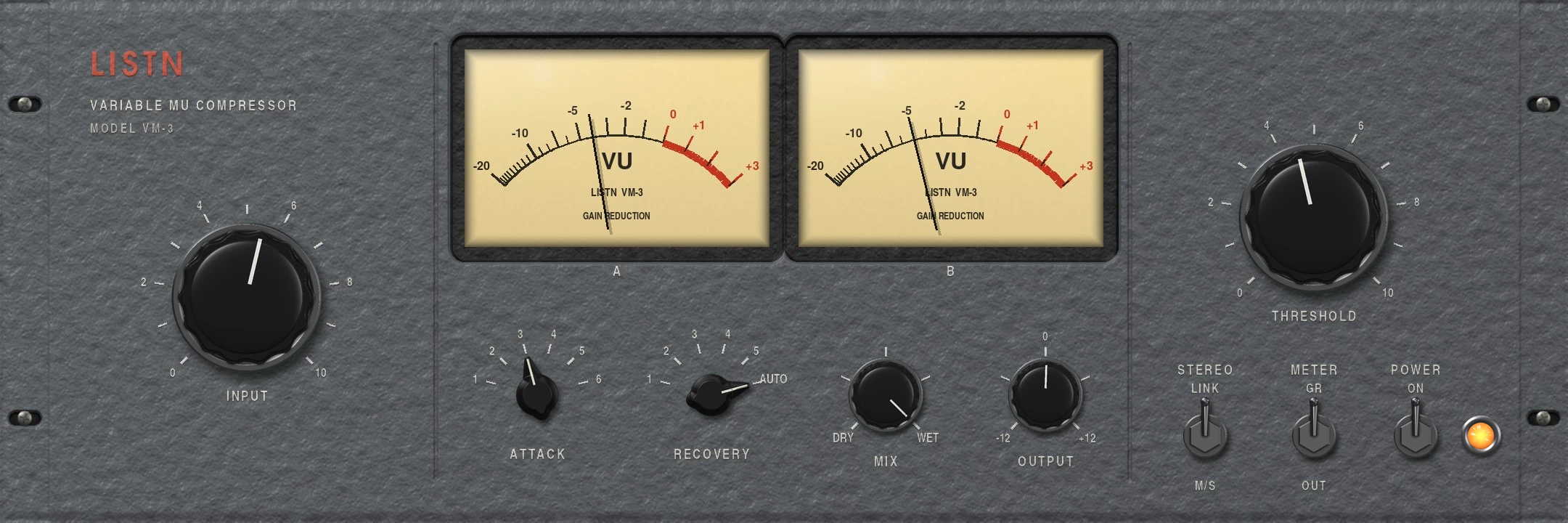
A variable mu compressor: the harder you hit it, the more it compresses, so loud parts are held and quiet parts stay open. Two VU meters, six attack and recovery times, and an AUTO recovery that follows the music.
- Ratio that rises with the level
- Stereo link or mid and side
- Six attack and six recovery times, plus AUTO
- Mix for parallel compression
The meters
Two needles, one picture.
Meter A and B show the reduction on each side, or the output. In mid and side mode you see the middle and the sides squeezed on their own.
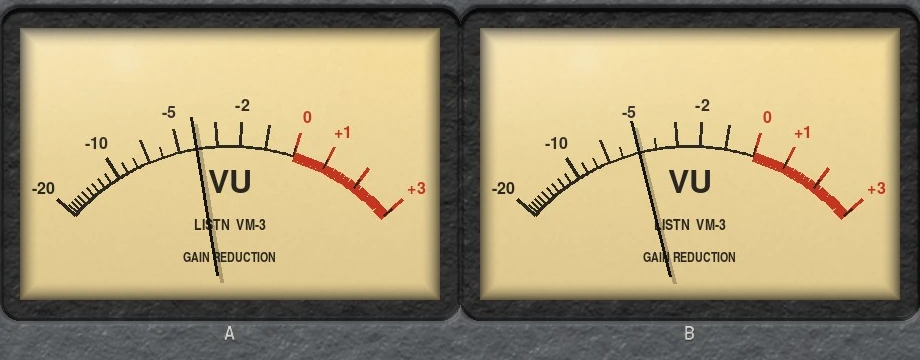
- Reduction or output
- Left and right, or mid and side
The input
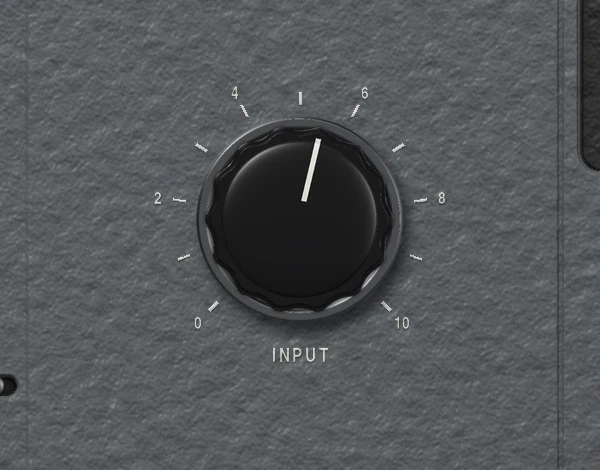
Turn it up and it pushes back.
Input drives the tube stage and the compressor together. The ratio rises as the level does, so a gentle touch on quiet parts becomes a firm hold on the loud ones.
- Soft knee
- The ratio follows the level
Timing
Six speeds and AUTO.
Pick the attack and recovery with the chicken head switches. AUTO recovery lets go quickly after a hit and slowly after a long loud part, the way the classics do.
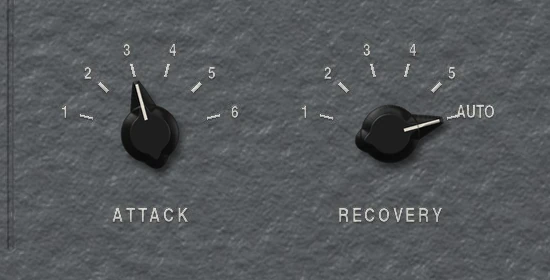
- Six attack times
- Six recovery times, the last one AUTO
Threshold
Set it once for the whole mix.
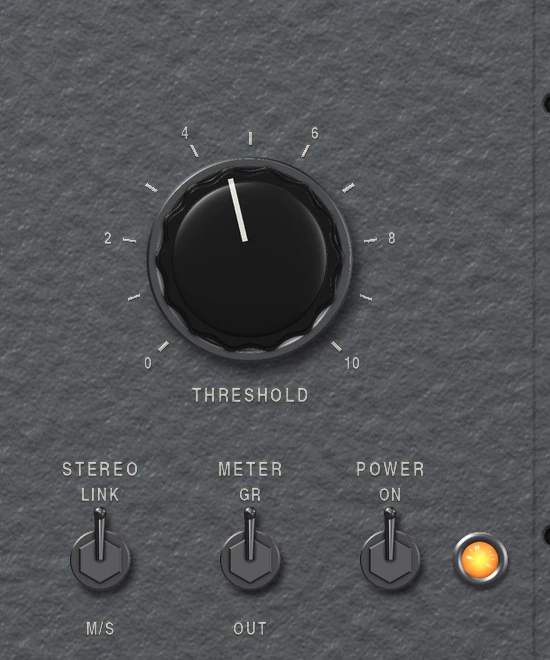
Threshold sets where it starts to work. Link the sides for a steady image, or switch to mid and side, then pick what the meters show.
- Stereo link or M/S
- Meter GR or OUT
- Power and pilot lamp
Listn Vari-Mu
Where it shines
- Mix bus
- The master
- Drum bus
- Vocals
- Bass
- Piano
What you need
Windows
- Operating system
- Windows 10 or 11, 64 bit
- Processor
- Intel or AMD, 64 bit
- Memory
- 8 GB, 16 GB for big projects
- Audio
- ASIO or Windows audio
- Plugins
- The Listn plugins, plus your VST3
macOS
- Operating system
- A recent macOS
- Processor
- Apple silicon or Intel
- Memory
- 8 GB, 16 GB for big projects
- Audio
- Core Audio
- Plugins
- The Listn plugins, plus your VST3 and AU
Comes with Listn Studio
Put it onyour track.
Download Listn Studio, open the mixer and it is in the insert list. Every module and every setting, nothing extra to unlock.
- 1
Download
Get Listn Studio for Windows or Mac and sign in.
- 2
Open the mixer
Press + in an insert slot and pick it under Listn effects.
- 3
Make it yours
Save your settings as a preset and learn its knobs on your controller.
Listn Studio
Full license, every plugin
- Every Listn plugin, the ones coming too
- Windows and Mac on your own computers
- Your VST3 and AU plugins beside them
- MIDI learn on every knob
- Updates to this version
Questions
Before you ask.
Where do I find it?
Open the mixer, press + in an insert slot and pick Vari-Mu (VM-3) under Listn effects.
Mix bus or master?
Both. Two or three dB of reduction on the mix bus is where it shines.
Do I pay for the plugins?
No. Every Listn plugin comes with Listn Studio, and the ones still coming arrive as free updates to this version.
Do they work in other DAWs?
The Listn plugins run inside Listn Studio. Your own VST3 and AU plugins run beside them.
Can I control them from a MIDI controller?
Yes. Right click any knob and choose Learn, then move a control on your keyboard, pads or mixer.
How many computers?
Your license works on your own computers, Windows and Mac.
Where do I get help?
Write to us from the Contact page, or use Help, Report a bug or an idea in Listn Studio.